
Recipes
Recipe libraryFind and cook recipes
Search, filter by diet and condition, scale servings, and use Cook mode.
The public marketing site can browse the catalog without signing in (great for discovering dishes). Signed-in members need the Fact-checked recipe library module on their plan to open Recipes and cook from the full library.
Browse & filter
- Open Recipes from the sidebar (when your plan includes the library).
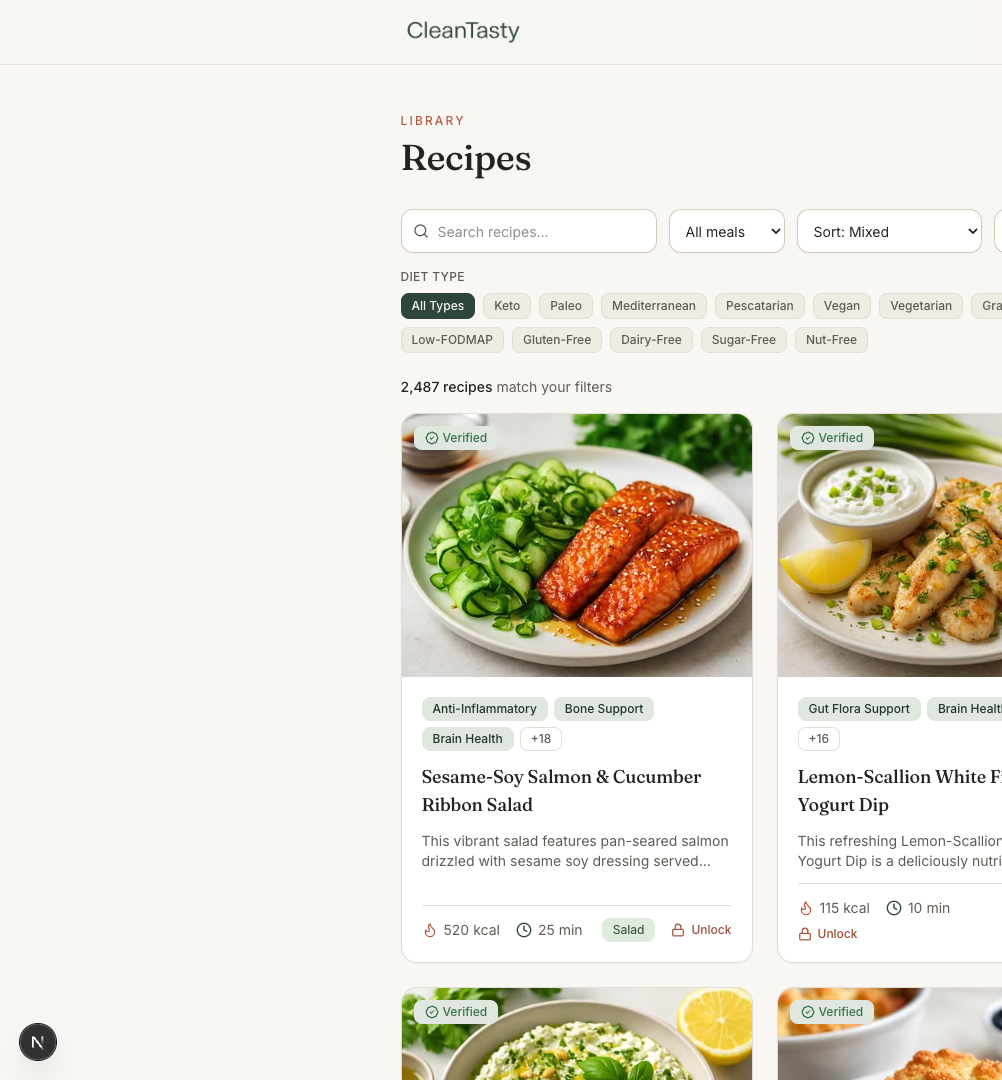
- Search by name, or filter by meal type, diet, health condition, cuisine, time, and calories.
- Open any card for the detail page — photo, tags, nutrition summary, and (when unlocked) ingredients and steps.
Recipes browse
Cook with confidence
- Servings scaler — adjusts ingredient amounts and nutrition for your household
- Cook mode — step-focused view while you’re at the stove
- Save to a Cookbook — keep favorites in personal collections (when Cookbooks is on your plan)
- Export PDF — branded single-recipe PDFs when Brand Kit / PDF export is included